


When I first started blogging, I had no idea what a plugin was. I didn’t have any apps on my Chrome toolbar and my phone only had one photo-related app. Luckily, I’ve learned a lot along the way, and I’ve found some amazing free and “freemium” tools, plugins, and apps that are absolutely worth downloading.
Start With the Right Blogging Platform
Before we get into apps and plugins, it’s worth saying that the platform you build on matters. I’m a WordPress girl through and through. Self-hosted WordPress gives you full control over your site, your content, and how you make money from it. You own your blog posts, your domain, and your data, which is exactly what you want if you’re building a real business and not just a hobby.
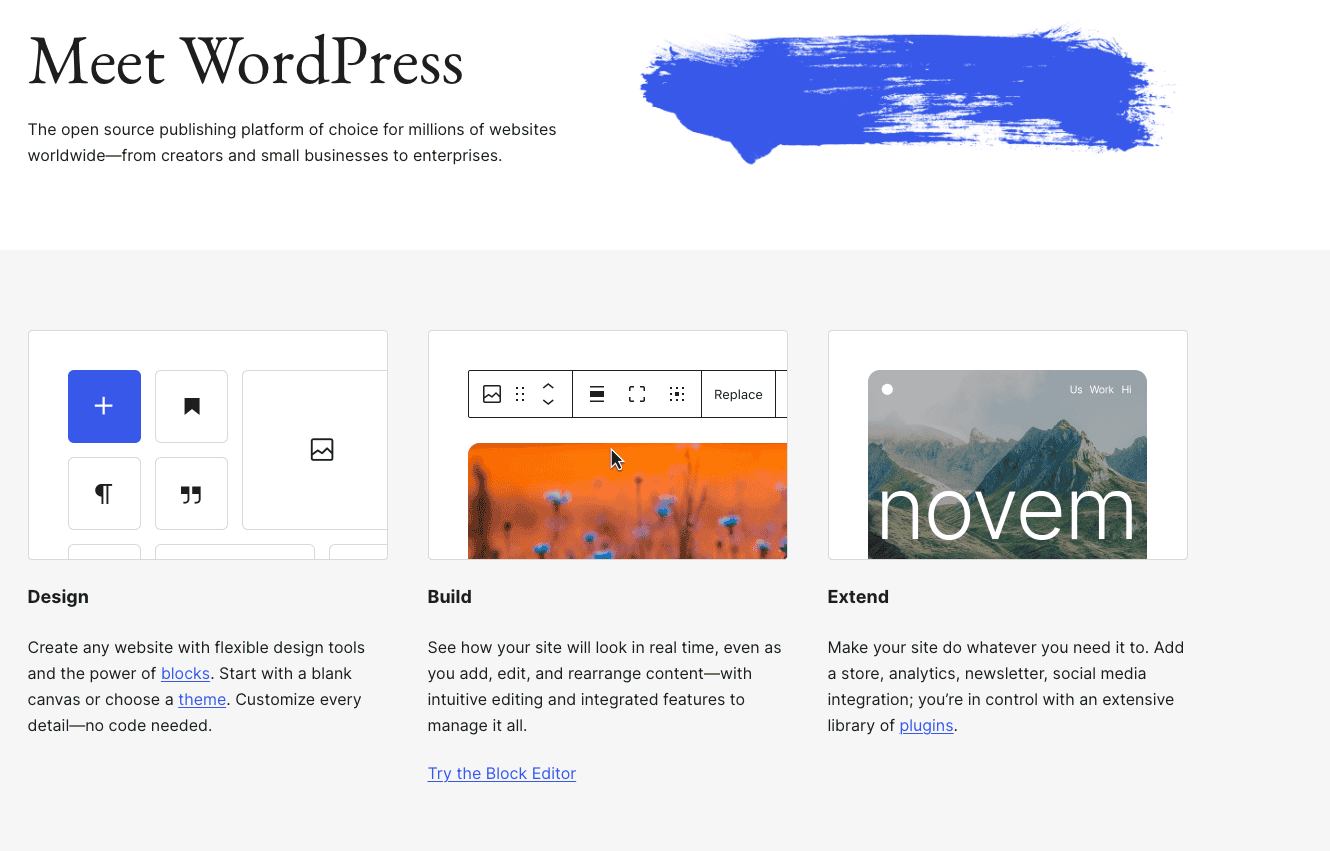
If you’re brand new, the two things to sort out first are your domain (your web address) and your hosting (where your site lives). Once those are in place, you install WordPress and you’re ready to start adding the tools below. If you publish on a different platform, don’t worry, most of these resources work no matter where your content lives. I know there are other platforms like Wix and Squarespace and they might seem cheaper up front, but WordPress is truly the best bang for your buck in the long run!
Keep Your Site Clean With Akismet
If you have a WordPress site, install Akismet immediately. It’s basically the best spam protection out there, and most of the features are free for personal blogs. It means you won’t wake up to a thousand spam comments and spam trackbacks clogging up your comment feature. (I’ve had that happen before!) You can pretty much just download it, turn it on, and enjoy the hands-off protection. Spam is one of those things that quietly eats your time, so automating it away early is a gift to future you.
Design Like a Pro With Canva
I’m not a designer, but Canva makes me feel like one. It’s a free tool (with an optional paid plan) that has tons of text and layout options, so it’s easy to design a Pinterest pin, blog graphic, cover photo, social banner, or lead magnet. The interface is genuinely beginner-friendly and the huge library of templates means you’re never staring at a blank canvas. I also love that I can share access with my VA so she can use my templates when creating content for my sites.

Templates are the real secret here. Instead of designing every graphic from scratch, set up a few branded templates in your colors and fonts, then reuse them for every post. It keeps your blog content looking consistent and cuts your design time way down. The free version covers most of what a blogger needs, and the paid version adds extras like background removal and brand kits if you want them later.
Write Cleaner Content
Grammarly
Grammarly is like spell-check on steroids. It’s a free Chrome extension (with a paid version for more advanced suggestions) that highlights words or phrases that might be misspelled or have a grammatical error and steers you in the right direction. It sounds simple, but as someone who tends to go comma-crazy, it’s been incredibly useful. It quietly polishes your writing style without changing your voice, which is exactly what you want.
Google Docs and Google Drive
I draft almost everything in Google Docs before it ever touches WordPress. All you need is a free Google account and you get a clean place to write, an automatic save on every keystroke, and the ability to pull up your draft from any device. When I have an idea, no matter where I am, I can jot it into Docs on my phone and it’s waiting for me on my laptop later.
Google Drive ties the whole process together. It’s where I keep my blog content, images, and spreadsheets, all in one organized place. And if you ever bring on team members (I have a virtual assistant, a social media manager, and an editor) Google Docs and Drive make collaborating painless. You can share a single doc, leave comments, and track changes without emailing files back and forth. It genuinely streamlines the entire process from idea to published post.
AI Writing Tools
AI has become part of my workflow, and used well, it’s a huge time-saver. Tools like ChatGPT and Claude are great for brainstorming post ideas, outlining a draft, writing a first pass at a headline, or getting unstuck when you’re staring at a blank page. I don’t recommend letting AI write your posts for you (readers can tell, and your unique writing style is the whole point), but as a brainstorming partner and editor, it’s great!
Grow Your Email List With Kit
If you take one thing from this list, let it be this: start your email list sooner than you think you need to. Social platforms come and go, but your email list is an audience you actually own. My tool of choice is Kit (formerly ConvertKit). It’s built specifically for creators, and it has a completely free Newsletter plan for up to 10,000 subscribers, which is incredibly generous when you’re just getting started.
On the free plan you can create sign-up forms and landing pages, send broadcasts to your list, and tag your subscribers so the right people get the right content. When someone joins your list, everything updates automatically. No more downloading CSV files and uploading them somewhere else! Email marketing can feel intimidating at first, but Kit’s interface makes it approachable, and having a direct line to your readers is one of the best things you can do for your blog. (Are you on our list yet?)
Understand Your Traffic and SEO
Google Search Console
Google Search Console is a free tool from Google, and honestly every blogger should have it set up. It shows you exactly which keywords and search queries are bringing people to your site from search engines, how many clicks and impressions each page gets, and where you rank in the search results. It’s one of the best free ways to understand your SEO and see which blog posts are actually getting found on Google.
My favorite trick: Search Console doubles as free keyword research. When you see that people are finding a post through a search you didn’t even target, that’s a signal to write more about that topic — or update the existing post to rank even higher. It takes the guesswork out of what to write next.
Google Analytics
I can’t not mention Google Analytics. Where Search Console tells you how people find you, Analytics tells you what they do once they arrive: which pages they visit, where they drop off, how long they stay, and which channels are sending traffic. Together, the two give you a full picture. It’s also a great tool to know your way around if you ever want to work in a marketing or digital job down the road!
Keyword Research Tools
Beyond Search Console, a dedicated keyword research tool helps you find topics before you write them. Free options like Google’s own autocomplete and the “People also ask” boxes, plus the free tiers of tools like Ubersuggest, let you see what real people are searching for and roughly how competitive each keyword is. Doing a little keyword research up front means you’re writing blog posts people are actually looking for, which is how you turn effort into steady search traffic. I personally have used SEM Rush, Ahrefs, Ubersuggest, Keywords Everywhere, and Keysearch. I currently use Ahrefs but it’s $120 a month, so you might want to start with a free tool first!
Share Your Content
Once you’ve published, you want people to see it, and tools like Later, Metricool, and Buffer make that manageable. Instead of remembering to post to every platform in real time, you can batch a week of content in one sitting and let the tools do the rest. I’ve used all of them, although these days I mostly use a combination of Meta and Tailwind. When you’re ready to take things to the next level, the paid plans on Tailwind add more channels and analytics.
Handle the Business Side
Once your blog starts making money, even a little, you’ll want to keep your finances organized from the start. Wave is a handy (and affordable!) tool for basic invoicing and expense tracking that’s popular with creators and small businesses. You can connect your bank accounts to import transactions and get a clear view of what’s coming in and going out, which makes tax season so much less stressful. A few of the more advanced features are paid, but the free plan is plenty to get your bookkeeping off the ground. As you grow, you might want to move to something like QuickBooks, which is what I use now.
A Few More Free Resources
These didn’t need their own section, but they’re worth a look as you level up:
- A password manager to keep all your logins and tools secure in one place. I use Bitwarden.
- A “pretty links” plugin for cleaner, trackable affiliate and share links.
- A free stock photo site like Unsplash or Pexels for high-quality images.
- A simple content calendar to map out your blog posts ahead of time.
Most of these have a free version or a free trial, so you can test them without commitment and see what fits your workflow. Don’t feel like you need everything at once — add tools as you grow and as you hit specific pain points.
The tools you use will change as your blog grows, and that’s a good thing. Start with the free essentials, get comfortable, and add resources as you go. Every one of these has helped make my blogging life easier, and I hope a few of them do the same for you.



Love these all as well! I probably really need Grmarly and will check it out!
Just downloaded grammarly!!
Askimet is definitely a top one. This is an older post but still current >>
http://got2run4me.com/2014/08/12/essential-wordpress-plugins/
SEO by Yoast is another essential.
Askimet is definitely a top one. This is an older post but still current >>
http://got2run4me.com/2014/08/12/essential-wordpress-plugins/
SEO by Yoast is another essential.
Never heard of Canva! Definitely need that one!!